AI Article Assistant
Ask questions, summarize, or extract key takeaways from this article.
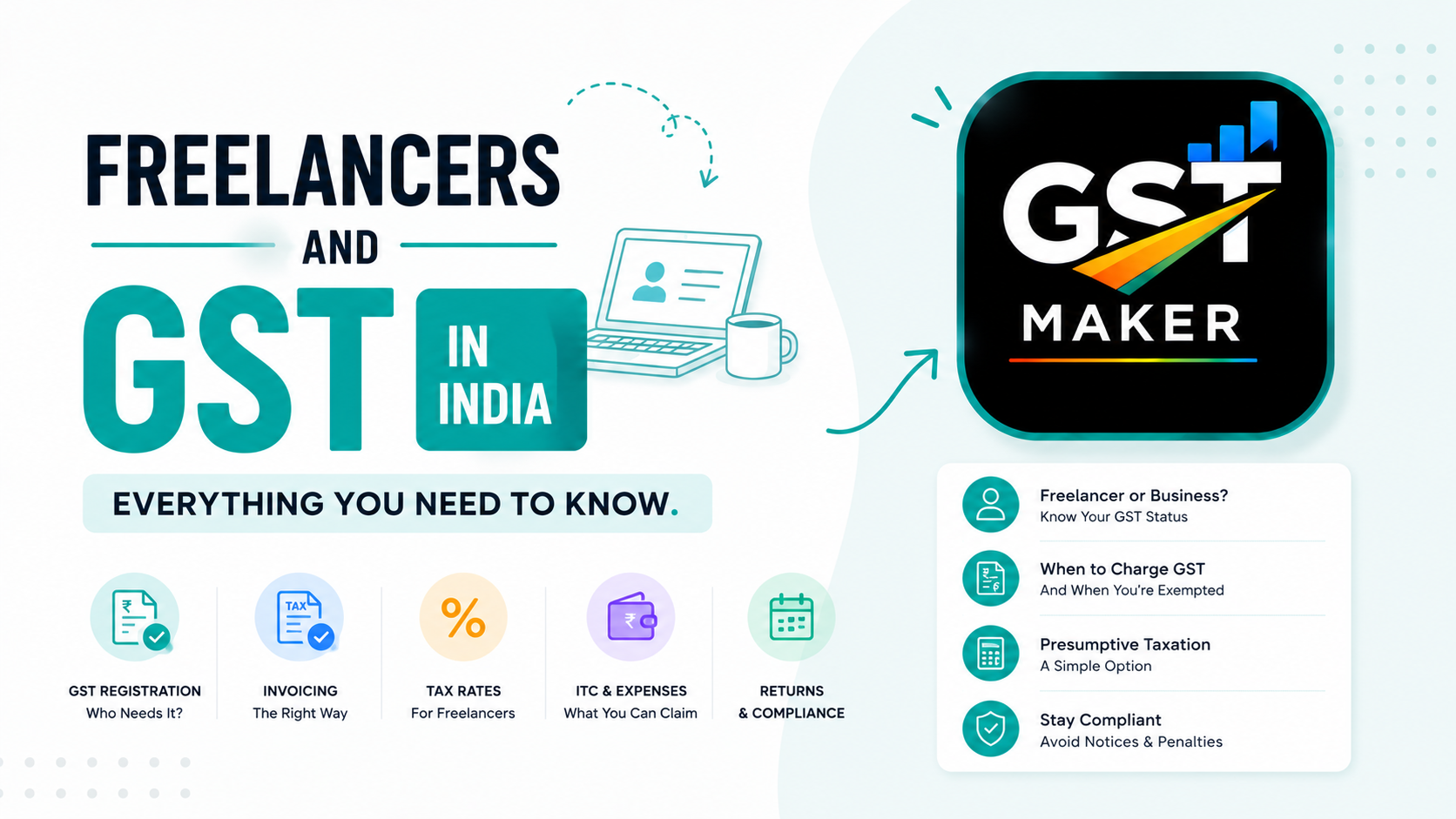
Freelancers and GST in India — Everything You Need to Know
Freelancing in India has exploded over the last few years. Designers, developers, writers, marketers, video editors, consultants — more people than ever are working independently and building their own client base from scratch.
But once the money starts coming in properly, one question always shows up: do I need to register for GST? Do I need to send GST invoices? What actually happens if I skip it?
If GST feels confusing as a freelancer, this is meant to sort that out — plain language, no jargon, just what you actually need to know.
First — do you even need to register?
Not every freelancer does. It comes down to how much you earn.
If your total freelance income in a financial year stays under ₹20 lakh, you generally don't need GST registration. That limit drops to ₹10 lakh if you're based in a few special category states — Manipur, Mizoram, Nagaland, Tripura.
Cross ₹20 lakh, and registration stops being optional. You'll need a GSTIN, and you'll start charging GST on every invoice from there.
There's one exception worth knowing about, though. If you work with clients outside India — foreign companies, international clients — you're treated as an exporter of services. The rules shift a bit here, and GST registration might be required even under ₹20 lakh, since export rules work differently.
If you're not sure, talk to a CA or check the GST portal directly. But for most freelancers working with Indian clients and staying under ₹20 lakh, registration simply isn't needed.
So what if you're not registered?
Then you just send a regular invoice — no GST at all. No CGST, no SGST, no IGST. Service description, amount, done.
Don't add a GST line if you're not registered. Charging GST without a GSTIN isn't allowed, and it's more common than you'd think — some newer freelancers see GST invoices floating around from other people and just assume they need one too. Check your own status before copying what someone else is doing.
What changes once you register
Cross the threshold and register, and a few things shift.
You get a GSTIN — a 15-digit number that now goes on every invoice you send.
You start charging 18% GST on most services. That's the standard rate for IT, design, marketing, consulting, content writing — basically most freelance work. A few specific services sit at different rates, but 18% covers the bulk of it.
You also have to file GST returns — GSTR-1 for your sales, GSTR-3B for the tax summary — either monthly or quarterly depending on your turnover.
How the math actually works on an invoice
Say you're billing a client ₹50,000 for a project.
Same state as you? Add CGST at 9% and SGST at 9%. Total comes to ₹50,000 + ₹4,500 + ₹4,500 = ₹59,000.
Different state? IGST at 18% instead. Same math, different split — ₹50,000 + ₹9,000 = ₹59,000 again.
Either way, the client pays the same total. Only the tax breakdown changes, and that depends purely on where they're based.
If your client is a registered business, they claim this GST back as input tax credit — so for them, the real cost stays ₹50,000. Honestly, this is a decent selling point when you're pitching B2B clients. Being GST registered makes you look more established, and easier to work with on their end too.
Which SAC code should you actually use?
SAC — Service Accounting Code — is the tag every service needs on a GST invoice. A few common ones freelancers run into:
- Web and software development — SAC 998314
- Graphic design and creative services — SAC 998392
- Content writing and copywriting — SAC 998313
- Digital marketing — SAC 998361
- Management consulting — SAC 998311
- Video editing and production — SAC 999612
If you're not sure which one applies to you, GST Maker has a search built in for exactly this. Save your service once, and the code auto-fills on every invoice after.
Do foreign client invoices need GST?
Comes up a lot, especially with freelancers working US, UK, or Europe-based clients.
When the client's outside India and payment comes in a foreign currency, it counts as an export of service. Under GST, exports are zero-rated — meaning 0% GST. You don't charge your foreign client anything.
That said, you still need to be registered if your turnover crosses the threshold, and the export has to be shown properly in your returns with the right documentation.
Here's the upside, though — since you're not collecting GST from these clients, you can actually claim a refund on the GST you paid on your own business expenses. That's called an ITC refund for exporters, and it's worth knowing about if a big chunk of your income comes from abroad.
Mistakes freelancers keep making
Not tracking income properly. A lot of freelancers don't watch their annual total closely enough, then realize mid-year they crossed ₹20 lakh months ago and should've registered already. Track it from day one — it's a five-minute habit.
Random or missing SAC codes. Leaving it blank, or grabbing whatever code looked close enough, makes the invoice non-compliant. Spend the five minutes to find the right one.
Getting a GSTIN and then not filing. This is actually worse than never registering at all. Once you're registered, returns are due even in months you made zero income.
Skipping invoice numbers, or reusing them. Every GST invoice needs a unique, sequential number. Random or duplicate numbering is exactly what flags problems in an audit.
Where GST Maker fits in
GST Maker was built with freelancers specifically in mind. You get professional GST invoices in under a minute — correct SAC code, automatic CGST/SGST/IGST calculation, a clean branded PDF that actually looks like it came from a real business.
Save your clients once and reuse them forever. Share invoices through a public link so clients don't need to log in anywhere. And when filing time comes, your GSTR-1 ready report is one click away.
Whether you just sent your first invoice or you've been freelancing for years, GST Maker keeps the billing side clean, compliant, and fast.
Try it free at gstmaker.com.