AI Article Assistant
Ask questions, summarize, or extract key takeaways from this article.
Free Tax Invoice Maker India — Create GST-Compliant Tax Invoices in 60 Seconds
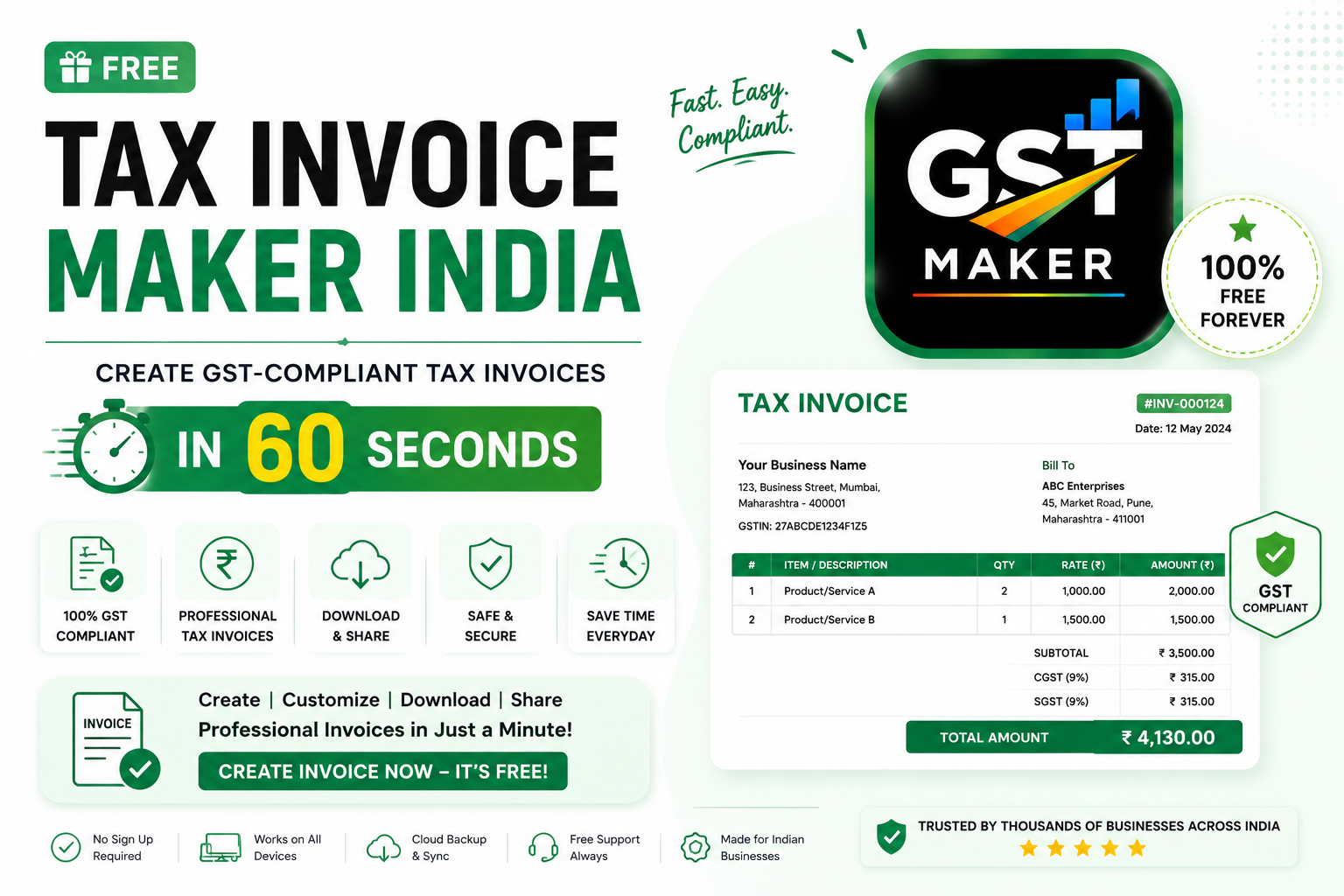
If you're running a GST-registered business in India, every sale you make needs a proper tax invoice. Not a WhatsApp message. Not a rough Word doc you formatted at midnight. A real, GST-compliant invoice, with every mandatory field filled in correctly.
The problem is most billing tools are either too expensive, too complicated, or clearly built for a different tax system entirely and just bolted onto GST as an afterthought.
That's the gap GST Maker's Tax Invoice feature is meant to fill — free, built specifically around Indian GST rules, and quick enough that you can create a fully compliant invoice in under 60 seconds without needing an accountant on standby.
What actually counts as a tax invoice
A tax invoice is the official document you issue whenever you sell taxable goods or services. It's not just a bill — legally, it's a document under the GST Act itself.
A valid one needs your business name and GSTIN, a unique sequential invoice number, the invoice date, your customer's name/address/GSTIN for B2B sales, a clear description of what you sold, the HSN code (goods) or SAC code (services), quantity and unit price, the GST rate and tax breakup (CGST+SGST or IGST), and the total payable.
Miss even one of these, and technically the invoice isn't compliant. Your customer might not be able to claim ITC on it, and you could run into trouble come return filing or an audit. GST Maker handles every one of these fields on its own.
How it actually works
Enter your business details once. Name, GSTIN, address, logo, bank details — about 3 minutes the first time, then it auto-fills every invoice after, forever.
Pick or add your customer. Existing customer, one click. New one, enter name, GSTIN, address once and it's saved for next time.
Add what you're billing for. Same deal — saved items are one click, new ones take a few seconds to set up with HSN/SAC code, price, and GST rate attached.
Let it handle the tax math. This is where the AI Magic Fill actually earns its name — it detects the customer's state, applies the right GST type, calculates the amount, assigns the next invoice number in sequence, and builds a clean PDF, all in a few seconds.
Share it. Download the PDF, or copy the public share link and send it over WhatsApp, email, or SMS. Your customer opens a clean invoice on their phone, no app required.
A real example — an IT consultant in Hyderabad
Karan does IT consulting out of Hyderabad and just finished an ₹80,000 project for a client in Delhi.
Since the client's in a different state, GST Maker applies IGST at 18% — ₹14,400 — automatically. It fills in SAC code 998314 for IT consulting, assigns invoice number INV-2026-047, and generates a branded PDF, all in under 5 seconds.
Total: ₹94,400. His client claims ₹14,400 back as ITC, and Karan files it in GSTR-1 at month-end. Under a minute, start to finish.
Another example — a saree wholesaler in Surat
Meena runs a saree wholesale business in Surat and sells ₹1,20,000 worth of silk sarees to a retailer in Ahmedabad — same state, both Gujarat.
Since it's intrastate, GST Maker splits the 12% GST rate into CGST 6% + SGST 6% — ₹7,200 each, ₹14,400 total — and fills in HSN code 5007 for woven silk fabrics automatically.
Total: ₹1,34,400. Her retailer gets a proper invoice to claim ITC on, and her own return filing stays simple since everything's already saved in the system.
What actually makes this worth using over other free tools
The GST-type detection is genuinely automatic — no manual CGST/SGST/IGST decisions, the system just gets it right based on the transaction.
It stays current with GST rule changes, which honestly matters more than people give it credit for, since a lot of "free" invoice generators online are running on outdated formats.
Every PDF comes out looking properly branded and professional — your logo, GSTIN, bank details, all formatted correctly.
The free plan isn't a trial — it includes actual invoice creation, PDF downloads, share links, and customer/product management, no hidden charges, no card required.
It works fine from a phone, which matters if you're a shop owner or contractor who's rarely sitting at a laptop.
Everything you enter — customers, products, HSN/SAC codes — gets saved and reused, so repeat invoices take under 30 seconds.
And the share link means you skip the download-then-attach dance entirely — just copy and send.
Who this is actually for
Freelancers sending professional invoices to clients — designers, developers, writers, consultants. Shop owners running retail, wholesale, or trading who need item-wise invoices with HSN codes. Agencies, contractors, tutors, and IT professionals billing services with SAC codes. Small manufacturers who need proper B2B invoices for their buyers. And anyone freshly GST registered who wants a simple system from day one instead of building one from scratch.
If you're GST registered and sending tax invoices regularly, this was built with exactly that in mind.
Manual invoicing vs GST Maker
| Manual (Excel/Word) | GST Maker (Free) | |
|---|---|---|
| Time per invoice | 15–20 minutes | Under 60 seconds |
| CGST/SGST/IGST | Calculated by hand | Auto-detected |
| HSN/SAC codes | Looked up each time | Saved, auto-filled |
| Invoice numbering | Manual, error-prone | Auto-sequential |
| PDF format | DIY | Professional, branded |
| Sharing | Download + send separately | One-click link |
| Return-ready data | Manual export | Ready in GSTR-1 format |
| Cost | Free but slow | Free and fast |
Questions people usually ask
Is the tax invoice feature actually free? Yes — unlimited invoices, PDFs, and share links on the free plan, no card required.
Does it handle CGST/SGST/IGST on its own? Yes, based on whether your customer's in the same state or not — you never decide manually.
Can I add my logo? Yes, once, in your profile, and it shows up on every invoice after.
What actually needs to be on a valid tax invoice? GSTIN, invoice number, date, customer GSTIN for B2B, HSN/SAC code, item description, quantity, price, GST rate, tax breakup, and total. GST Maker includes all of it by default.
Does it work for both goods and services? Yes — HSN for goods, SAC for services, even on the same invoice if you need both.
Is a "tax invoice" different from a "GST invoice"? No, same thing — "tax invoice" is just the official GST Act term for what people casually call a GST invoice.
What if I make a mistake on one? Edit and regenerate before sending. Already sent it? You can issue a revised invoice or a credit note instead.
How do I actually get started? Go to gstmaker.com, sign up free, add your details, and make your first invoice — under 5 minutes total.
Worth setting up today
No expensive software, no accountant needed just to format a bill, no 20 minutes lost per invoice.
GST Maker is free, built around Indian GST rules specifically, and quick enough that compliance stops being something you worry about.
👉 Try GST Maker free — gstmaker.com
No credit card. No complicated setup. Just sign up, add your GSTIN, and start billing.