AI Article Assistant
Ask questions, summarize, or extract key takeaways from this article.
Free Inventory Management Software India — Track Stock With GST Maker
Ask any shop owner or trader in India what actually keeps them up at night, and stock is almost always somewhere in the answer. Did we run out of the fast-moving stuff? Is something sitting unused that we over-ordered? Who do we need to call today? How much is actually left after this morning's sales?
Most small businesses still track this the old way — a physical register, a rough notebook, or just memory. It works fine until it doesn't — until a customer asks for something that's quietly been out of stock for a week, or month-end counting turns up a number nobody can explain.
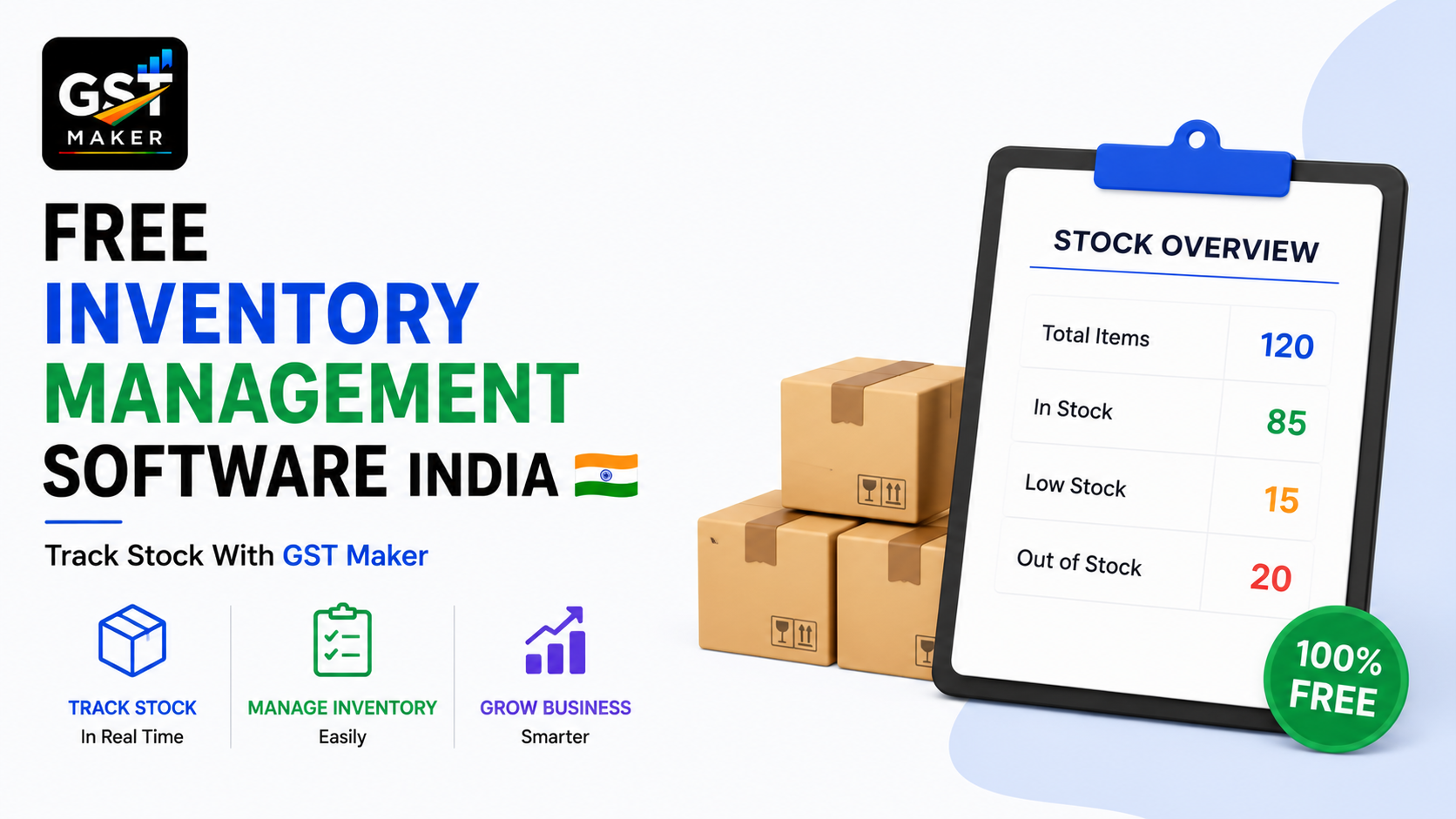
GST Maker's free Inventory Tracking feature ties your stock levels directly to your billing. Create an invoice, and your inventory updates on its own — no separate system to babysit.
Why this trips up small businesses so often
Billing and stock usually live in completely separate places — sometimes stock isn't tracked in any system at all — so the two numbers never actually agree, and stock counts drift a little wrong over time.
Physical stock counts eat real hours every week or month, time that could go toward actually serving customers.
Running low without noticing costs you the sale outright, and sometimes the customer too, if a competitor happened to have it in stock.
Overstocking, on the flip side, quietly ties up cash in things that aren't moving, money that could be doing something useful elsewhere.
And when purchase records and sales records sit in different places — or nowhere — knowing your actual margin on any given product becomes basically a guess.
This feature fixes all of it by connecting stock straight to the billing you're already doing daily.
How it actually works
Add your products with an opening stock number — name, HSN code, price, GST rate, and a starting quantity. That's your baseline.
Stock drops automatically with every sale — bill a product on a tax invoice, and the quantity reduces on its own. Nothing to update by hand.
Add stock when it arrives — a new delivery from a supplier just means updating the quantity, and it adds straight onto your existing count.
Check real-time levels anytime — open the Inventory dashboard and see exactly what's on hand, current as of your last invoice.
Get warned before you run out — set a minimum threshold per product, and it gets flagged the moment stock dips below it.
See what your stock is actually worth — total inventory value, useful for understanding how much capital is sitting on your shelves.
A stationery wholesaler in Kanpur
Deepak supplies retail shops and schools with around 150 different products — notebooks, pens, files, art supplies — each on its own reorder cycle.
He used to track stock in a physical register, updated inconsistently — sometimes days late, sometimes never. He'd often only discover something was out of stock when a customer actually asked for it.
Now all 150 products carry opening stock and HSN codes, every invoice automatically reduces what's sold, and he's set low-stock alerts on his top 20 fastest movers. When a notebook brand dropped below 50 units recently, he got a clear signal to reorder before it ran out entirely.
His repeat customers — mostly schools and shops — now see consistent availability, which has quietly improved how often they come back.
A garment retailer in Surat
Ritu carries about 300 SKUs across fabric types, sizes, and designs, and her biggest problem was never actually knowing which designs sold fast and which sat unsold for months.
Now each design is its own product with its own stock count, sales reduce it automatically, and she can see at a glance what's moving. She recently spotted 30 items that had been sitting for over 4 months and ran a clearance sale specifically on those, instead of guessing which products to discount. Her fast movers now get reordered proactively, based on actual data rather than waiting for a customer to ask for something unavailable.
That shift from guessing to actually knowing improved her cash flow directly — less money stuck in slow stock, more of what people actually want on the shelf.
A hardware shop in Nagpur
Suresh carries over 400 items — tools, fasteners, pipes, fittings — sourced from multiple suppliers at different times. Month-end counting used to take him and his staff nearly a full day, and the numbers rarely matched what the register claimed.
Now every sale updates stock through invoicing alone, new purchases get added the moment they arrive, and real-time levels are visible without any physical counting. Low-stock alerts sit on his top 50 movers, and the once-monthly "counting day" simply doesn't happen anymore.
That saved day now goes into actually running the shop.
What this feature is actually built for
This is meant for small and medium businesses that need clear visibility — not full warehouse management across multiple locations, batch tracking, or expiry dates. It's answering the questions that matter day to day: how much of this do I have right now, what's running low, what's moving fast versus sitting unsold, and how much value is tied up in stock overall.
If you genuinely need multi-warehouse tracking, batch/expiry management, or barcode scanning at scale, a dedicated inventory system is probably the better fit for that specific need — while you keep using GST Maker for the billing side. Worth being upfront about that rather than pretending this covers everything.
What this pairs with
Every sale through a tax invoice updates stock on its own, no separate entry needed. The expense tracker sits alongside it for purchase costs, giving you a real cost-versus-revenue picture per product. Client management shows which customers are buying which products most, useful for spotting demand patterns. GST reporting pulls the same sales data straight into your GSTR-1. And AI Magic Fill applies the right HSN code when you add a product in the first place, so your inventory stays GST-compliant from day one.
Questions people usually ask
Is this feature free? Yes, part of the free plan, unlimited products.
Does stock update automatically when I invoice? Yes, every sale on a tax invoice reduces the quantity on its own.
Can I set low-stock alerts? Yes, per product, flagged the moment it dips below your set threshold.
Can I track value, not just quantity? Yes, based on the cost or price you've set for each item.
Does this support multiple warehouses? It's built for single-location businesses. Multi-warehouse or batch-level needs are better served by a dedicated system alongside GST Maker for billing.
How do I add new stock from a supplier delivery? Just update the quantity — it adds to your existing count immediately.
Can I see what's selling fastest? Yes, since every sale reduces stock automatically, consumption patterns are visible over any period you choose.
Know your stock without the manual work
Running out of a best-seller costs you a sale. Overstocking a slow mover ties up cash you could use elsewhere. Both problems mostly disappear when inventory updates itself off the invoices you're already creating.
👉 Start tracking your inventory free at gstmaker.com
No credit card. No complicated setup. Add your first product and start tracking today.