AI Article Assistant
Ask questions, summarize, or extract key takeaways from this article.
My Client Asked for a Credit Note — What Do I Do?
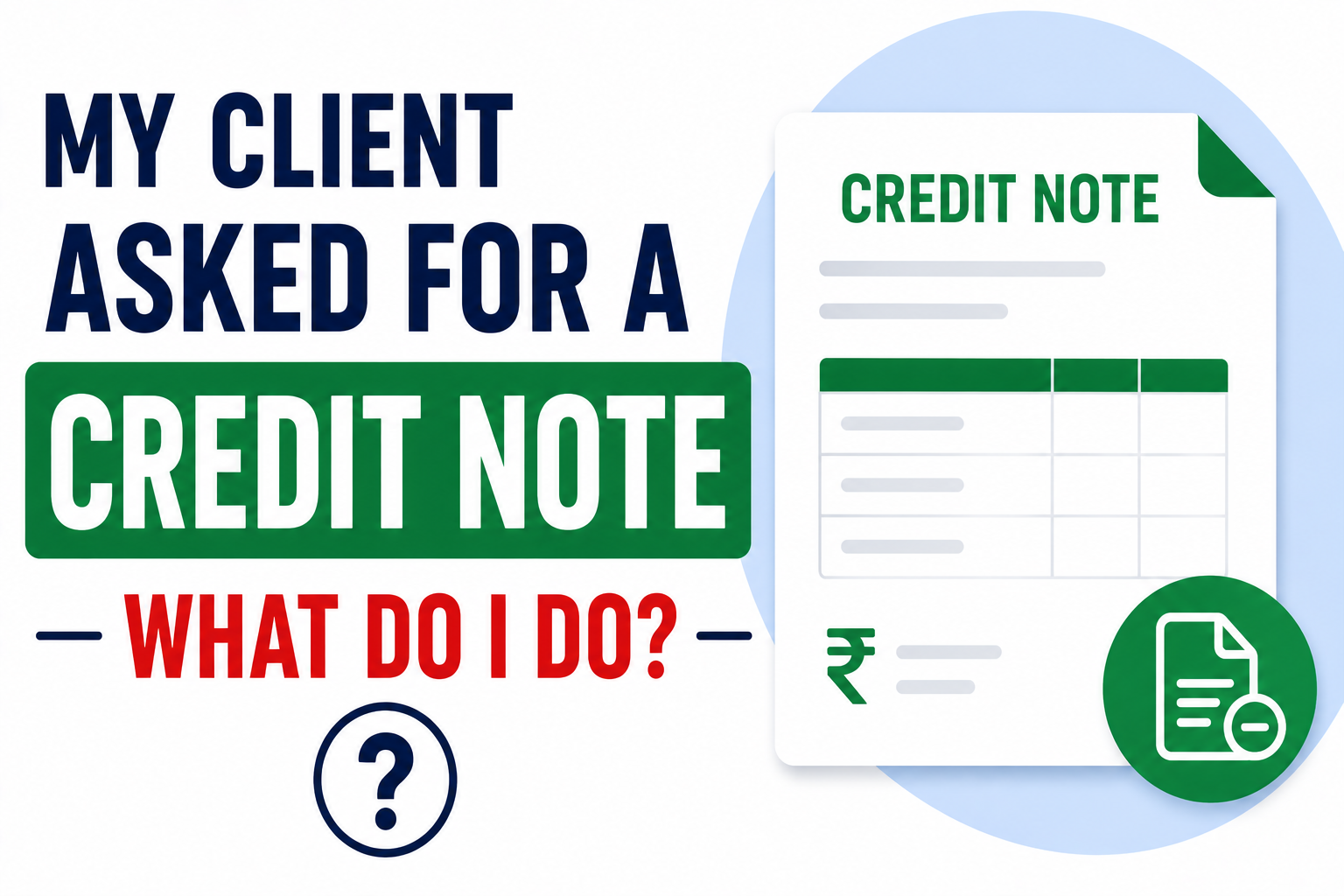
It happens to almost every business at some point.
You send an invoice. The client pays — or is about to pay. Then something changes. The work gets partially cancelled. The price needs to be revised downward. The client returns goods. Or you simply overcharged by mistake and need to fix it.
And then comes the message you were not expecting.
"Can you please issue a credit note against invoice number INV-2026-034?"
If you have never issued a credit note before — and most small business owners have not — this request can feel overwhelming. What exactly is a credit note? How is it different from a revised invoice? What happens to the GST? Does it affect your GSTR-1?
I am going to walk through all of this. Clearly. Without the jargon.
What is a Credit Note?
A credit note is essentially the opposite of a tax invoice.
When you issue a tax invoice, you are telling the client — "You owe me this amount."
When you issue a credit note, you are telling the client — "I owe you this amount back."
It is a formal document that reduces the value of an earlier invoice. It can reduce the amount partially or bring it all the way down to zero — depending on the situation.
Under GST law, a credit note is a legally defined document with specific requirements. It is not just a casual email saying "please ignore the previous invoice." It is a proper document with its own number, date, and GST implications.
When Do You Issue a Credit Note?
There are four main situations where a credit note is appropriate:
1. The goods were returned. Your client received products, found them defective or wrong, and sent them back. You need to reverse the original invoice.
2. The service was cancelled or partially delivered. You invoiced for a full project but only completed 60% of it. The remaining 40% needs to be credited back.
3. You overcharged. It happens. Wrong rate, wrong quantity, wrong price. A credit note corrects the mistake without requiring you to cancel the original invoice entirely.
4. Post-sale discount. You agreed to give a discount after the invoice was already raised — maybe for early payment or as goodwill. A credit note documents that discount formally.
If you have a situation that fits one of these — a credit note is the right document to issue.
Credit Note vs Revised Invoice — What is the Difference?
This confuses a lot of people.
A revised invoice is issued when the original invoice had an error — wrong GSTIN, wrong address, wrong tax type — and needs to be corrected. You are not changing the amount. You are fixing factual errors.
A credit note is issued when the amount itself needs to go down — because of return, cancellation, overcharge, or discount.
Different situations. Different documents. Both important.
If your client is asking for a "credit note" but the actual issue is a wrong GSTIN on the original invoice — they might mean a revised invoice. Clarify with them before you create anything.
What Goes on a GST Credit Note?
Under GST law, a credit note must contain:
- The words "Credit Note" prominently on the document
- Your business name, address, and GSTIN
- Credit note number — unique and sequential
- Date of issue
- Name and GSTIN of the recipient (your client)
- The original invoice number and date it is being credited against
- Description of goods or services being credited
- Amount being credited
- GST amount being reversed — with CGST/SGST or IGST breakdown
- Reason for the credit note
Missing any of these makes it non-compliant. Your client's accounts team will probably send it back.
What Happens to GST on a Credit Note?
This is where most people get confused. So let me be direct.
When you issued the original invoice, you charged GST and were supposed to deposit it with the government. When you issue a credit note, you are essentially reversing that GST — saying "I charged too much GST on that invoice, here is the correction."
Here is what happens in practice:
Your side: The credit note reduces your output tax liability. When you file your GSTR-1, you report the credit note and the corresponding GST amount is deducted from your total sales.
Your client's side: Your client had claimed ITC on the original invoice. When you issue a credit note, they are required to reduce their ITC by the GST amount on the credit note. They cannot keep the full ITC on an invoice that has been partially or fully credited.
This is why credit notes matter beyond just adjusting amounts — they have a direct impact on both your GST returns and your client's ITC.
Deadline — When Must a Credit Note Be Issued?
This is important and most people do not know it.
Under GST law, a credit note must be issued before the earlier of:
- September 30th of the following financial year, OR
- The date of filing your annual return (GSTR-9)
So if you need to issue a credit note for an invoice from March 2026 — you have until September 30, 2026.
Wait longer than that and you lose the ability to adjust the GST. You still have to deal with the client commercially — but you cannot correct it on your GST returns anymore.
Do not sit on credit note requests. Issue them promptly.
How to Issue a Credit Note in GST Maker
In GST Maker, issuing a credit note is straightforward.
Go to the original invoice you need to credit. Select the option to issue a credit note against it. The original invoice details — client GSTIN, GST type, amount — carry over automatically.
You then specify what is being credited and why. GST Maker calculates the correct GST reversal — CGST + SGST or IGST depending on the original invoice's tax type. The credit note gets its own sequential number and date.
Once generated, share it with your client via the WhatsApp link or PDF download — exactly like a regular invoice.
Your GSTR-1 filing will include the credit note in the correct section — Table 9B for B2B credit notes, Table 10 for B2C — automatically reflected in your monthly report.
Real Situation — A Freelancer Who Got This Wrong
A graphic designer in Hyderabad — let me call her Sowmya — once told me about a situation that stuck with me.
She had completed 80% of a branding project when the client cancelled the remaining work. She had already invoiced for the full amount.
She did not know credit notes existed. So she sent the client a new invoice for a negative amount — "-₹15,000 — refund for cancelled work." She thought this made sense. The client's accounts team did not accept it. It is not a valid GST document. A random negative invoice does not exist in the GST framework.
Then she tried sending an email saying to ignore part of the original invoice. That did not work either.
Eventually she figured out the correct process — issue a credit note for the uncompleted portion, with the correct GST reversal, with her GSTIN and the client's GSTIN on it. The client's accounts team accepted it immediately.
Three weeks of back and forth could have been avoided if she had known about credit notes from the start.
Three Things to Remember
One — do not cancel the original invoice. When you issue a credit note, the original invoice stays in your records. You do not delete it or void it. The credit note reduces its value — but both documents exist permanently. This is important for your GSTR-1 and your audit trail.
Two — match the GST type. If the original invoice had IGST, the credit note must also show IGST. If it had CGST + SGST, the credit note shows CGST + SGST. Do not mix them up.
Three — send it promptly. The moment a client asks for a credit note, issue it within 24–48 hours. Delays create payment complications on their end — and they will keep following up until it is resolved.
One More Thing
If you are issuing credit notes regularly — more than once every few months — it is worth examining why.
Frequent credit notes usually point to one of three things: pricing misunderstandings with clients, scope not being clearly defined before work starts, or goods quality issues.
None of these are billing problems. They are business problems that show up in your billing.
The right tool makes credit notes easy to issue when needed. But the real goal is to need them as rarely as possible.
If you need to issue a credit note and want to do it correctly the first time —
👉 GST Maker handles it at gstmaker.com
Free. Takes 2 minutes. Your client's accounts team will not send it back.